Blog
-
Monitoring and Optimizing Node-RED Flows with Open Telemetry.

Have you ever found yourself frustrated by unexpected delays in your Node-RED flows, wondering where the bottlenecks are hiding? Even small latency issues can have a big impact on your system's performance. That's where Open Telemetry comes in. With its powerful distributed tracing capabilities, you can finally take control and get a clear view of how your flows are performing in real time.
read more... -
Bridging OPC UA Data to MQTT with Node-RED
Learn how to bridge OPC UA data to MQTT using Node-RED for seamless industrial IoT integration and real-time data flow. -
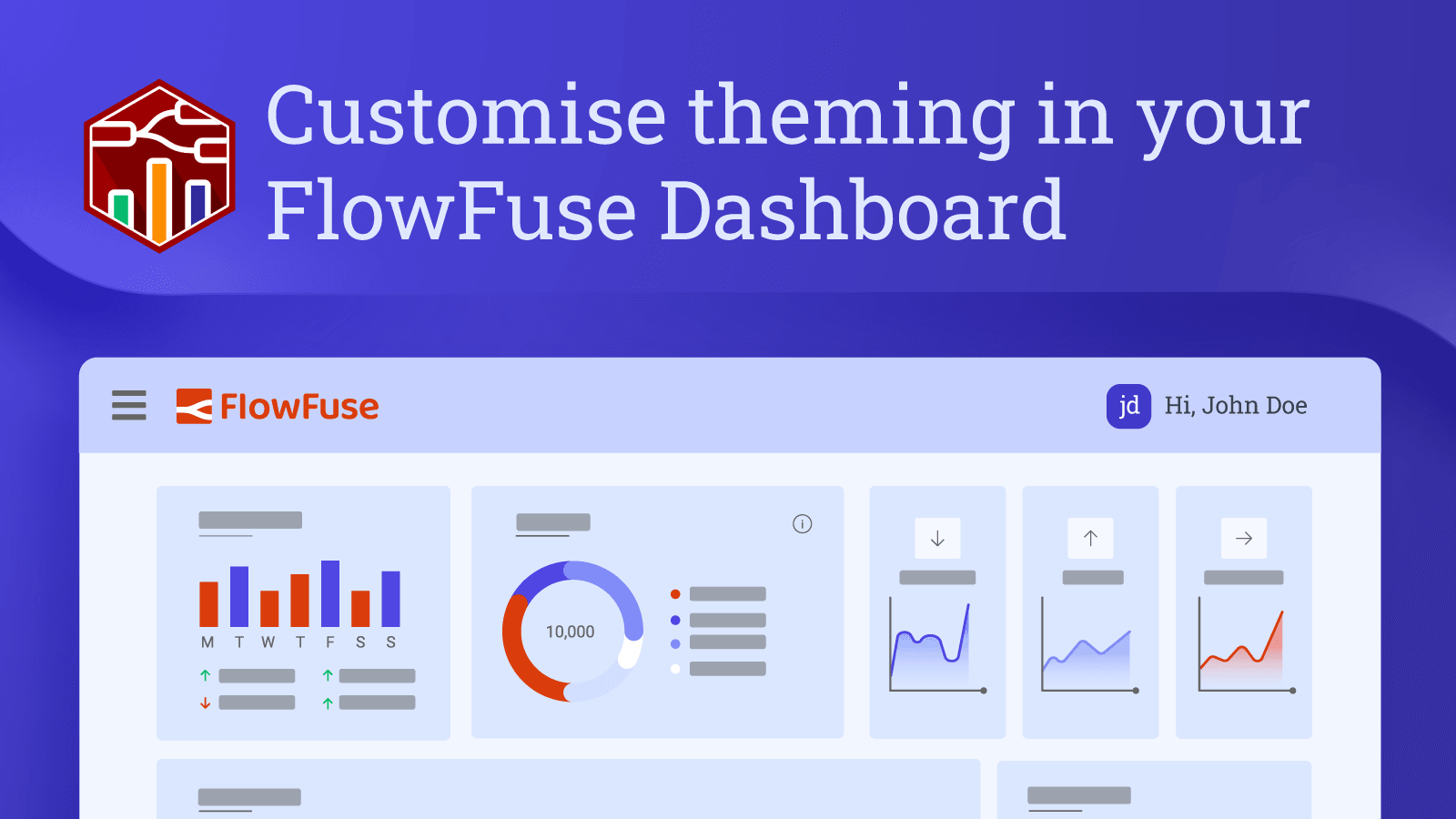
Customise theming in your FlowFuse Dashboard
Discover the latest enhancements in FlowFuse Dashboard, including customizable headers, themes, and layout modifications to personalize your dashboard experience. -
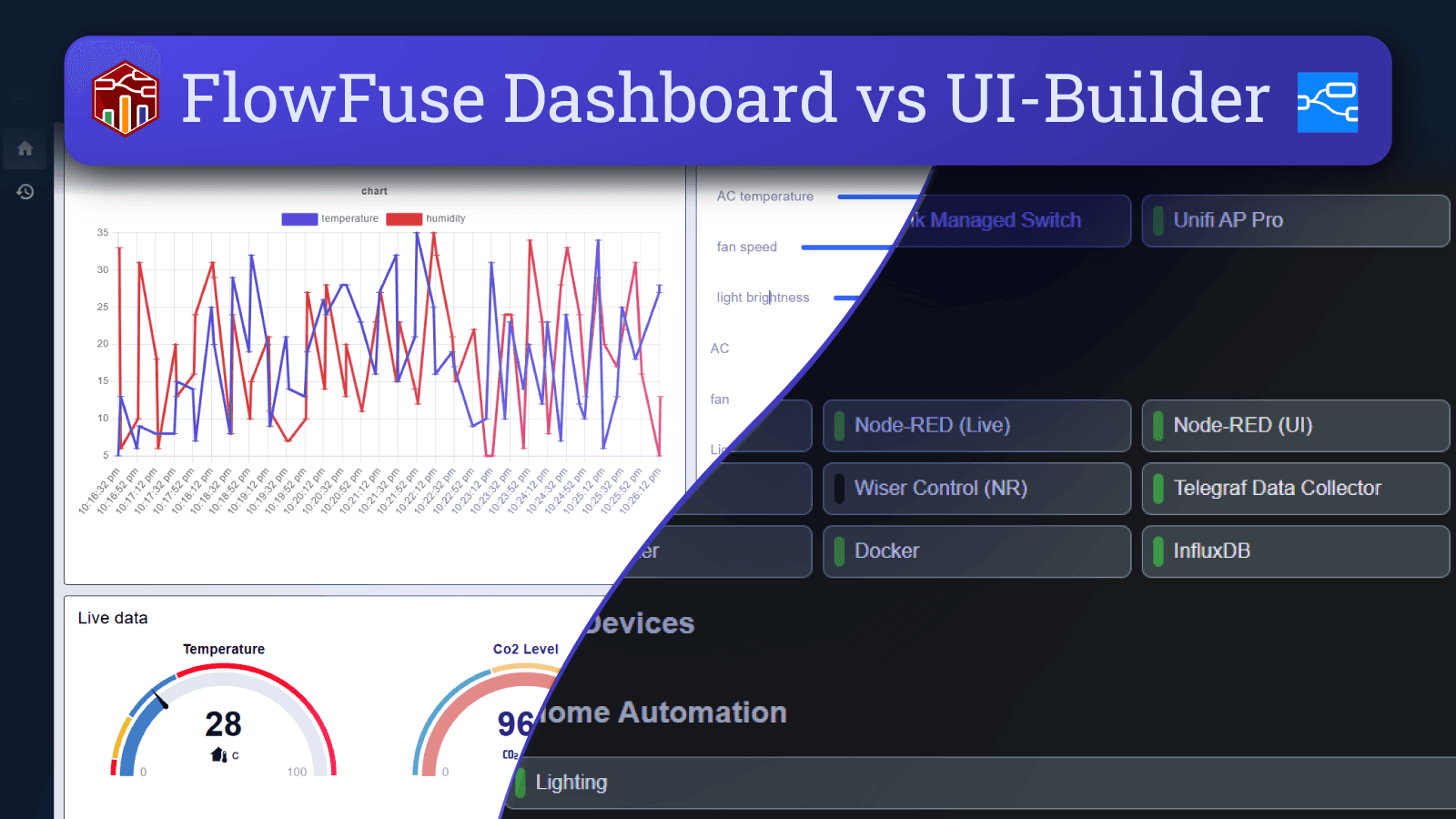
FlowFuse Dashboard vs UI-Builder: A Comprehensive Comparison
Compare FlowFuse Dashboard and UI-Builder. Discover their installation ease, customization, performance, and support to find the best solution for your needs. -
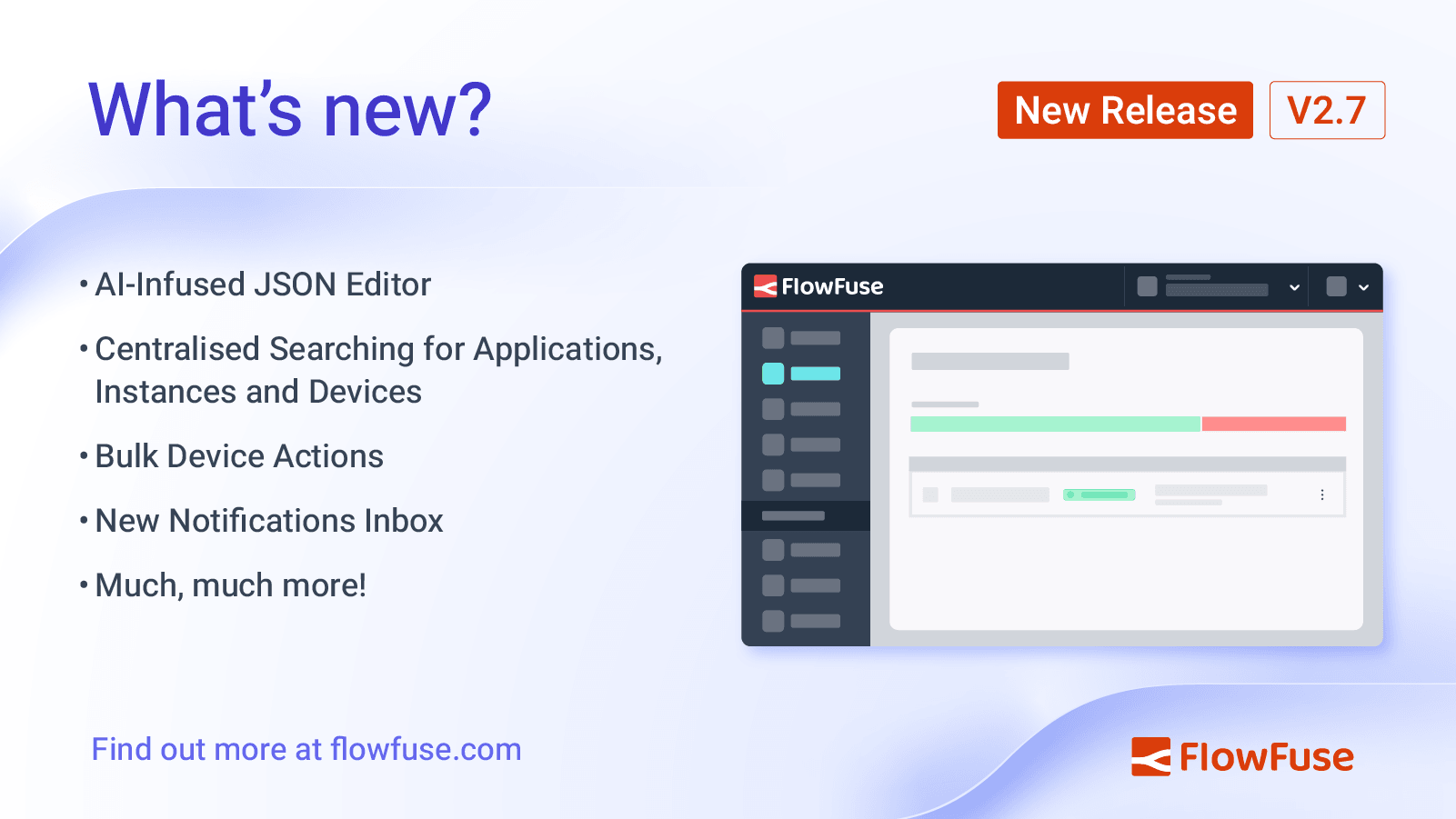
FlowFuse 2.7: Improved management at scale & AI JSON Editor
We've extended the AI-infused Node-RED experience to the JSON Editor, plus improvements to managing and searching your resources on FlowFuse -
How to Set Up SSO LDAP for Node-RED
Learn how to configure SSO LDAP for your self-hosted FlowFuse platform using OpenLdap as the Identity Provider. Simplify user authentication across applications with this step-by-step guide. -
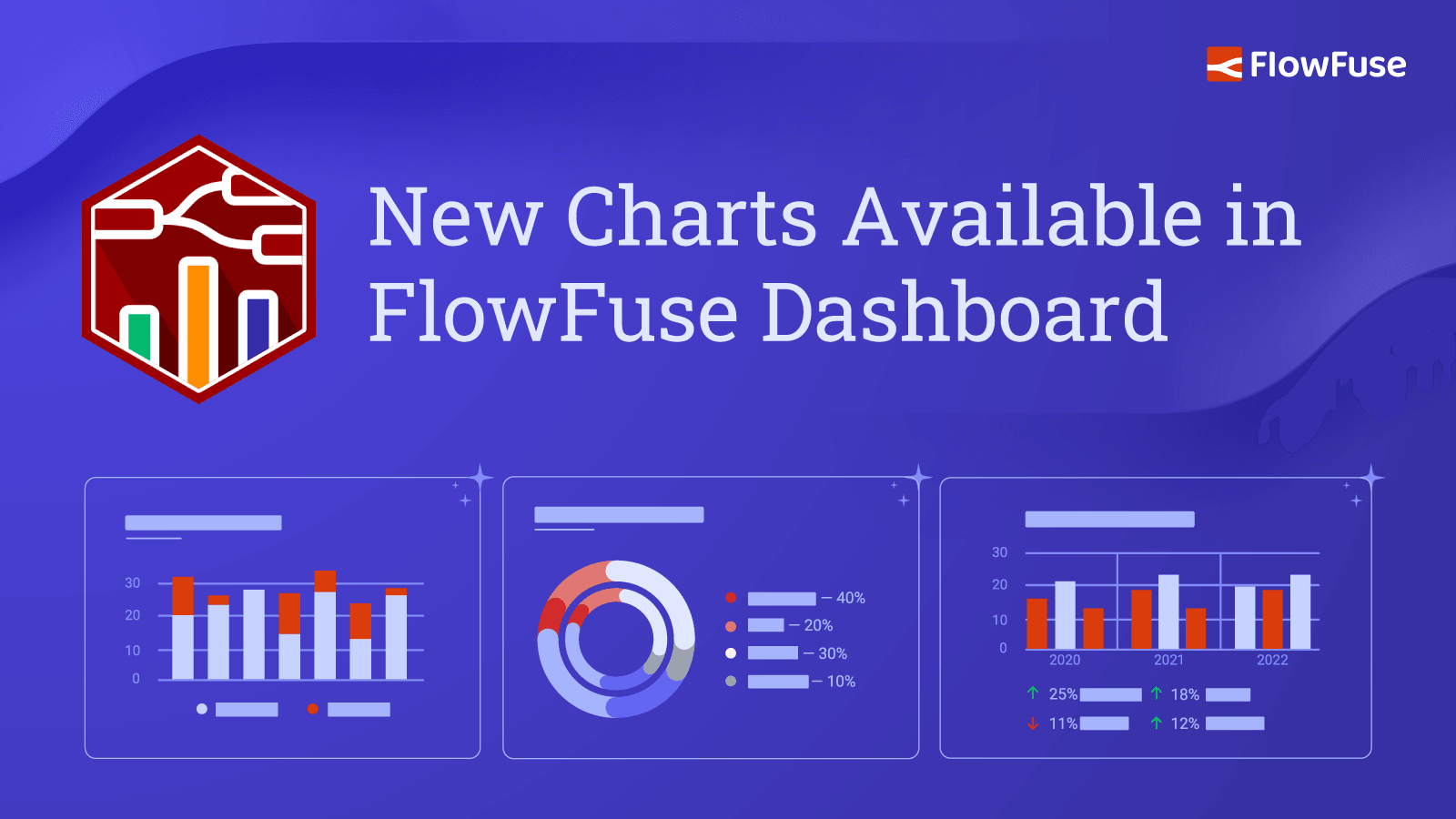
New Charts Available in FlowFuse Dashboard
Our most recent update for FlowFuse Dashboard has introduced Pie, Donut and Grouped Bar charts, and plenty more. -

Evolution of Technology: Impact on Job Roles and Companies
Discover how technology evolution, from historical disruptions to AI and low-code tools like Node-RED, reshapes job roles and enhances business operations -

How to Set Up SSO SAML for Node-RED
Learn how to configure SSO SAML for your self-hosted FlowFuse platform using Google as the Identity Provider (IdP). Simplify user authentication across applications with this step-by-step guide. -
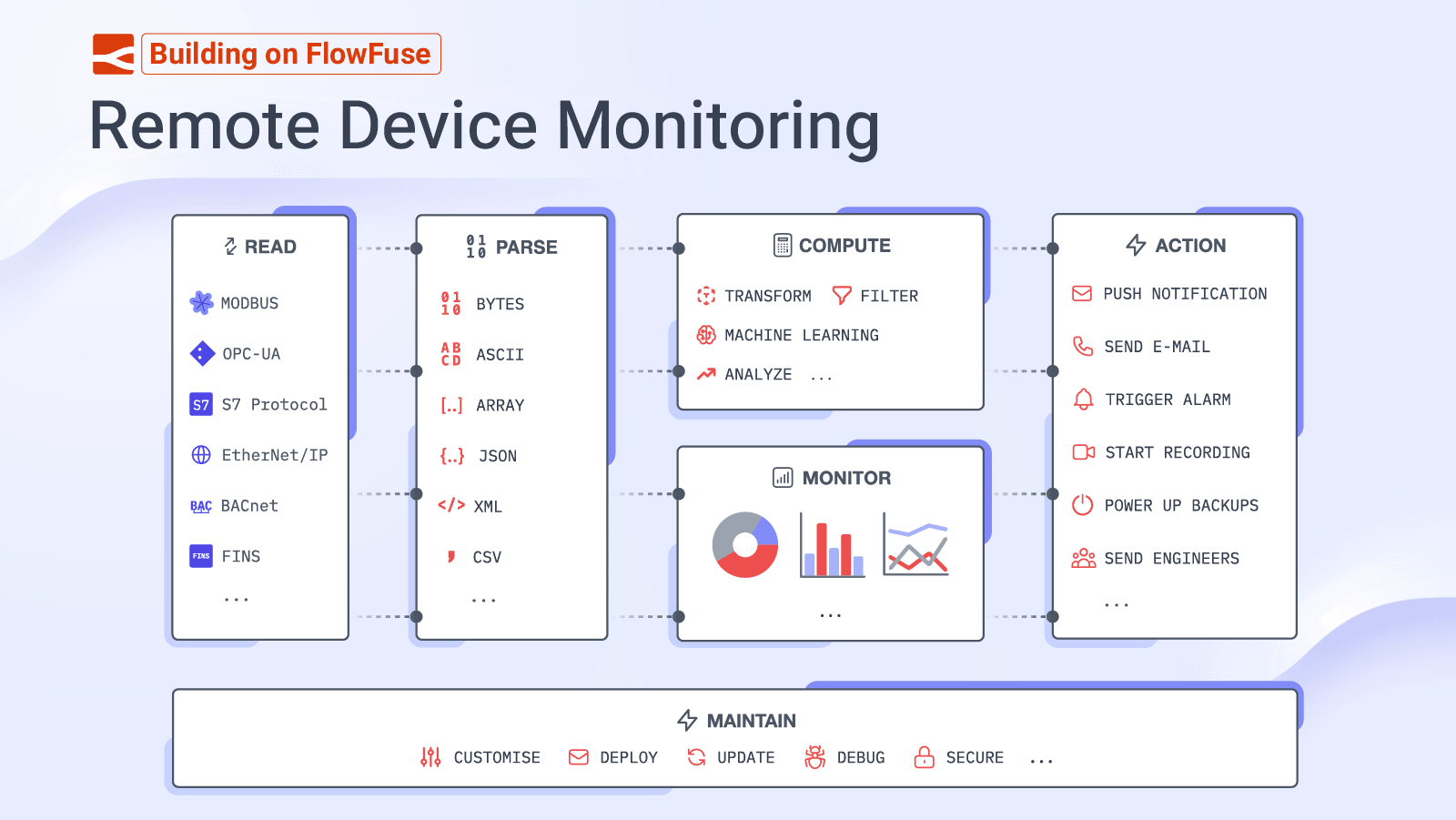
Building on FlowFuse: Remote Device Monitoring
In this article we take a look at how elements of the FlowFuse ecosystem can be used to build powerful IoT applications for monitoring remote devices. -
Deploying FlowFuse with Docker on an Ubuntu server
Learn to deploy the FlowFuse on your Ubuntu server with Docker, from domain setup to running your app with email, SSL configurations. -
Calling a Python script from Node-RED
Learn how to seamlessly execute a Python script from Node-RED for advanced data processing and analysis. -
FlowFuse 2.6: AI Infused Node-RED, Persistent File Storage & Lots More
Discover the new features in FlowFuse 2.6, and it's focus on improving the Node-RED development experience. -
Node-RED Dashboard Formally Deprecated
It has just been announced that the predecessor to FlowFuse's Dashboard, Node-RED Dashboard, has been formally deprecated. Find out what this means for your Node-RED instances, see how you can get started with FlowFuse's Dashboard, and what we have planned in the near future. -

Interacting with Google Sheets from Node-RED
Learn how to interact with Google Sheet from Node-RED to write, read, update and delete data. -
Multi-Tenancy available for everyone with FlowFuse's Dashboard 2.0
With a recent update in Node-RED Dashboard 2.0, we've made some significant changes to the multi-tenancy feature. Discover what's new and how it can benefit your projects. -
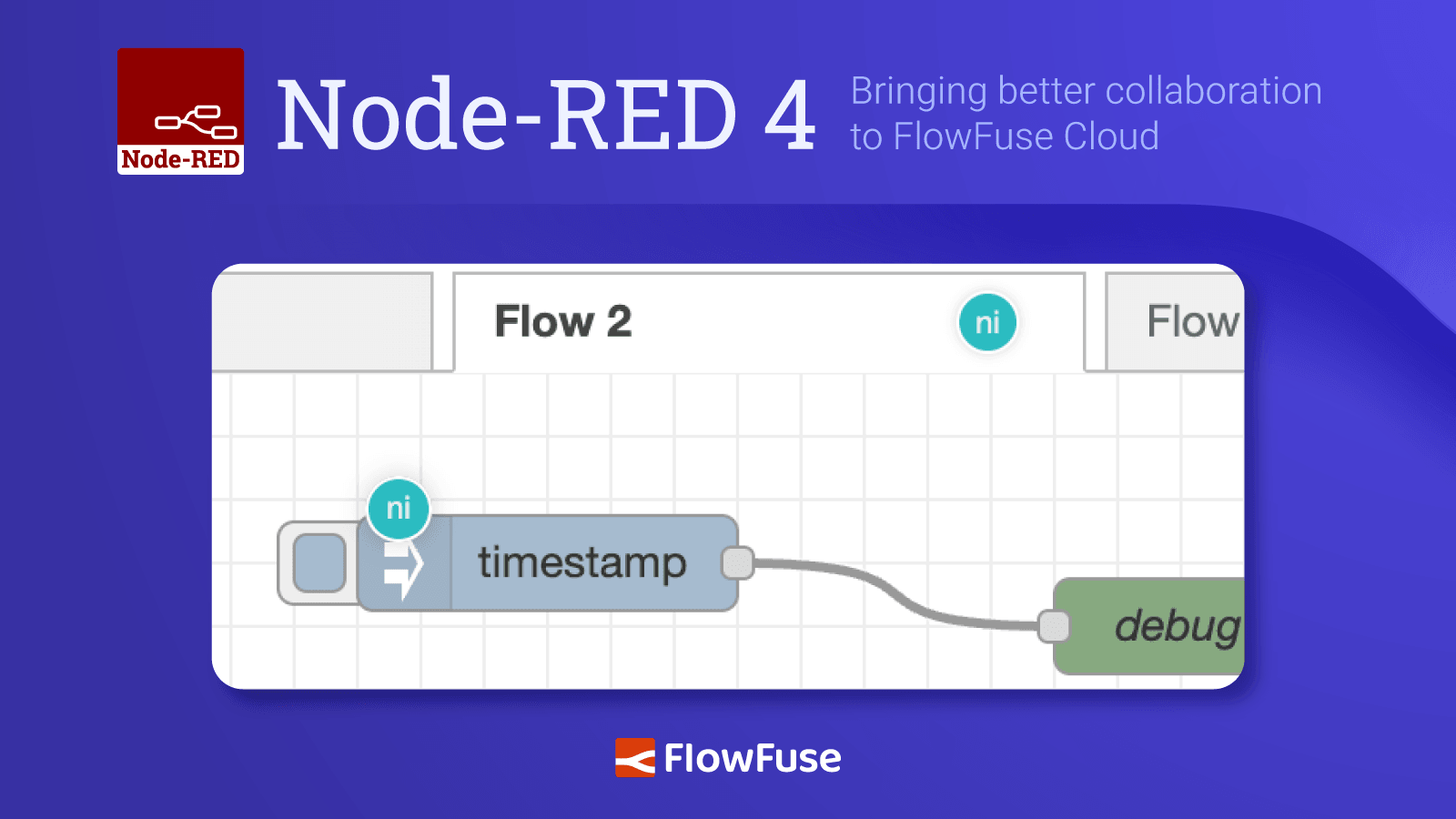
Node-RED 4: Bringing better collaboration to FlowFuse Cloud
Find out about the new Node-RED 4 release and what it brings to FlowFuse Cloud -
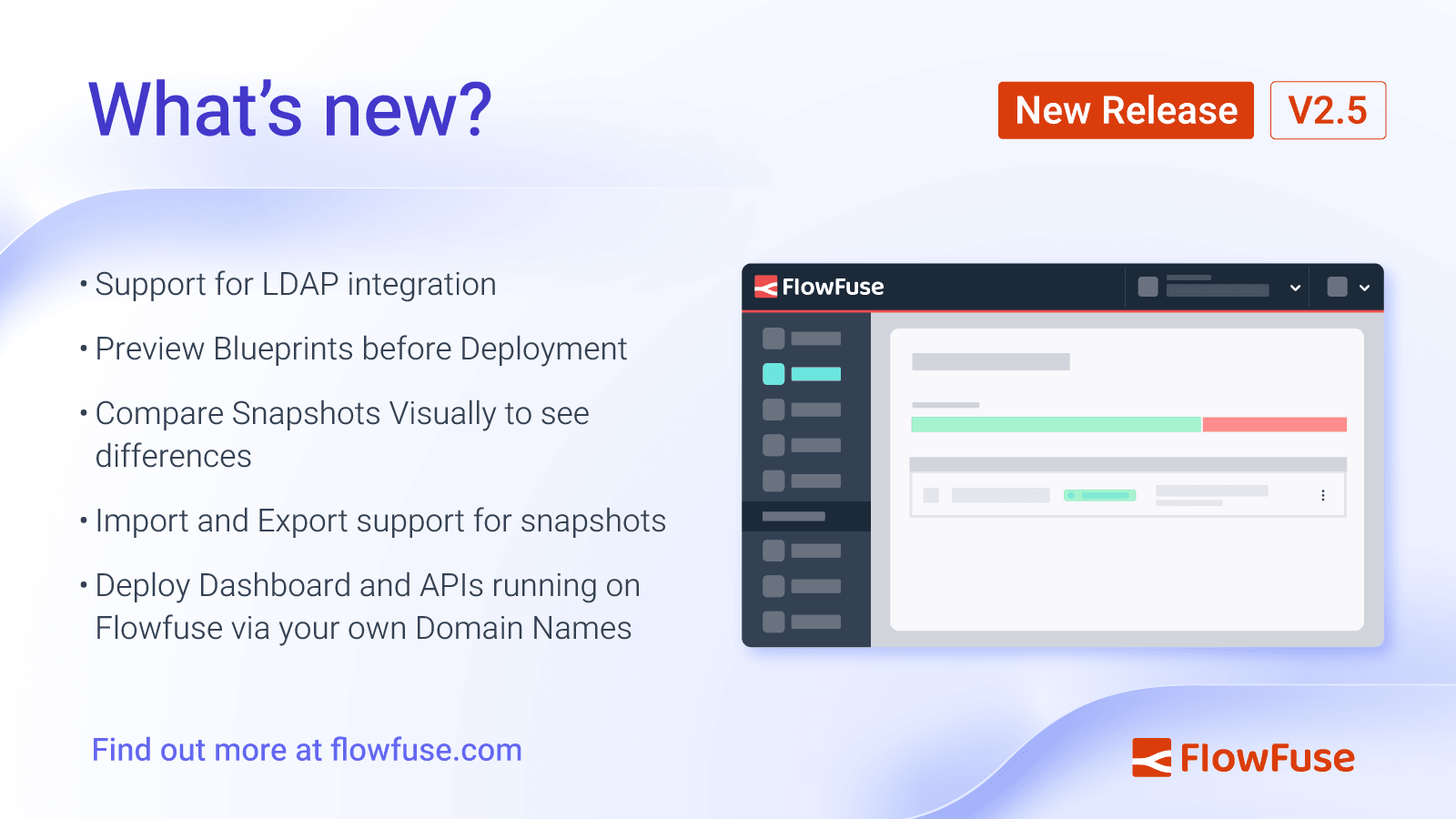
FlowFuse 2.5: New features to visualize snapshots, LDAP integration, and more
Discover the new features in FlowFuse 2.5, including LDAP integration, visual snapshot comparisons, blueprint previews, snapshot import/export support, and custom domain deployment for dashboards and APIs. -
How to Use MQTT in Node-RED.
Learn how to effectively integrate MQTT with Node-RED in this comprehensive guide, covering setup, configuration, and practical applications for IoT projects.